Local SEO for Hotels: The 2026 Playbook
Most guests looking for a hotel start with a nearby search. They type "hotels in [the area]" or "hotel near [a landmark]", and Google answers with a map and a short list of hotels above the normal results. That listing space, what SEOs call the local pack, is valuable for a hotel, because the guest searching it is close to booking.
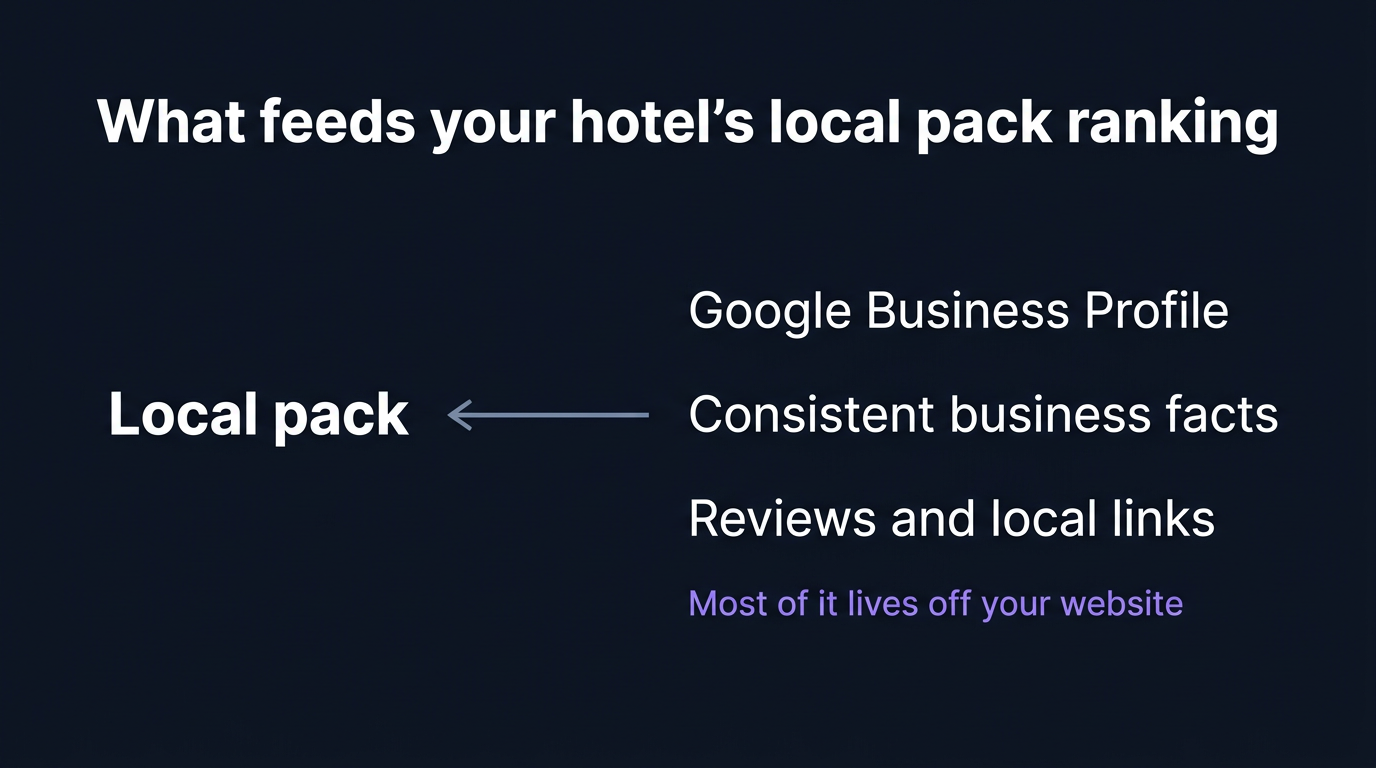
Local SEO is the work of turning up in that pack and on the map for the searches your guests actually make. It is not the same as ranking a blog post. It runs on a different set of signals, most of which sit in your Google Business Profile rather than on your website, and most of which a marketing team can fix without a developer.
This is the operator's version of that work: eleven steps, in a sensible order, each with what to do and why it helps. Where a step rests on how Google actually ranks local results, it is tied to Google's own guidance, which names three broad factors, relevance, distance and prominence, and is deliberately vague about the rest. Treat anyone who promises you a precise ranking lever with suspicion, including this post.
Step 1: Claim and complete your Google Business Profile
Your Google Business Profile, the free listing that shows your hotel on Google and on Maps, is the single most important asset in local SEO. For many guests it is the first page of the hotel they ever see, long before the website.
Claim it if you have not, then fill in everything Google lets a hotel fill in: the correct primary category (Hotel, plus any secondary categories that genuinely apply), the full list of amenities, the description, and the attributes guests filter on. Two things about a hotel profile differ from an ordinary local listing and are worth knowing. You cannot set normal opening hours, because Google treats a hotel as open around the clock; reception, restaurant and pool hours go in the "More hours" section instead. And the price and booking links on the profile do not come from a field you type into, they come from Google's Hotel Ads and free booking links, which is Step 6. Everything else is yours to complete, and an incomplete profile gives Google less to match a search against, so fill in what you can.
Step 2: Make your NAP consistent everywhere
NAP is name, address and phone number. It should agree across your website, your Google Business Profile, the OTAs, and any directory or local listing that mentions you. Google is far better than it used to be at understanding that "St" and "Street" are the same place, so do not lose sleep over formatting. What still matters is the material stuff: an old phone line live on a directory you forgot about, a duplicate listing at a previous address, an OTA carrying the wrong location. Large inconsistencies like those can make it harder for Google to connect every listing to the same hotel.
You do not need a paid tool for this. Search your hotel's name and phone number, see where it appears, and fix the entries that disagree with your profile. Prioritise the ones guests actually reach: Google, the main OTAs, and any tourism-board or city listing for your area.
Step 3: Add hotel structured data to your site
Structured data, also called schema, is a machine-readable summary of the hotel added to your website's code. A guest never sees it. Search engines use it to read your name, address, location coordinates and amenities with less guesswork, which supports the consistency Step 2 is about.
At a minimum add Hotel schema with the address and geo coordinates to your homepage, and Offer schema to any page carrying a rate or package. Our guide to hotel schema markup covers the types that matter and how to check what you already have. This is a developer or website-agency task, but a small one.
Step 4: Earn and respond to Google reviews
Reviews on your Google Business Profile do two things. They are read by guests deciding between you and the property next on the list, and reviews are part of what Google calls prominence. Google's local-ranking guidance names them directly: review count and score feed prominence, and Google advises responding to the reviews you get.
So ask for reviews as a matter of routine, at check-out or in the post-stay email, and reply to the ones you get, the critical ones included. Do not chase an absolute number. The target that matters is being credible against the other hotels a guest sees in the same pack, not hitting a round figure. And do not buy reviews or use a review-gating service: it breaks Google's policies and risks the profile that the rest of this list depends on.
Step 5: Keep the photos current
Most guests will look at your photos before they read a single word. So add real photos of the rooms, the lobby, the exterior and the neighbourhood, and keep them current: the hotel after its refurbishment, not before, and summer images on a profile selling summer stays. Three dim photos from 2019 read as a neglected property and cost you the click to the hotel next to you. You do not need a monthly quota, you need the photos to look like the hotel as it is today.
Step 6: Get your direct rate into the booking links
Most hotel teams assume the booking links on their profile belong to the OTAs. They do not have to. A hotel profile carries a booking module with prices, and by default those prices are Booking.com and Expedia. But Google also runs free booking links, which let your own direct rate appear in that same module, next to the OTAs, at no cost to you. A guest comparing prices on your profile can then see the direct rate and click it without ever leaving for an OTA. For a property paying the 15 to 25 percent commission an OTA takes on every booking, that is one of the most valuable spots on the whole listing, and most local SEO advice never mentions it.
You do not switch it on in the profile itself. It depends on your booking engine being connected to Google, either directly through the Hotel Ads API or through a booking-system or channel-manager provider that already supports free booking links. The action here is a single question to your provider: do you support Google free booking links, and is our direct rate showing? Many modern booking engines support it and have it switched off, or never finished the setup. It is worth checking before any of the slower-burning steps on this list, because the payoff is immediate and it costs you nothing but the email.
Step 7: Build genuine pages for the areas you serve
If guests search "hotels near [a landmark or district]" and you are genuinely near it, a real page about staying near that place can help you rank for that search and gives the guest something useful.
The guardrail matters here. A real page has its own content: what the area is, why a guest would stay there, how to reach the hotel from it, what is walkable. A doorway page, the thing to avoid, is a near-duplicate of your other area pages with the place name swapped in. Google treats doorway pages as a policy violation, so build a page only for an area you can write honestly about, and only as many as you can keep distinct.
Step 8: Make the mobile experience fast and tappable
Most local hotel searches happen on a phone, often when the guest is already nearby. The journey from your profile to a booking has to work on that phone: a tap-to-call button that dials, a map link that opens, a booking flow that does not need pinching and zooming.
Run your homepage and a room page on a phone, and treat a poor mobile experience as a fail worth fixing, whether that shows up in Google's free PageSpeed Insights, in Core Web Vitals, or simply in how the booking flow feels in your hand. The exact score matters less than the answer to one question: would a guest give up here? A slow or fiddly mobile site loses the guest after the local pack did the hard work of getting them there.
Step 9: Earn local links from real relationships
A link to your website from a credible local source signals to search engines that you are an established part of the area. For a hotel the obvious sources are close at hand: the local tourism board, the convention or visitor bureau, a nearby attraction you partner with, a wedding or events venue you work with, the local press when you have something worth covering. This feeds the prominence that Google's guidance describes, and it is genuinely hard to fake, which is why it counts.
The honest version of this is slow and relationship-led: sponsor the thing you would sponsor anyway, host the event, partner with the attraction your guests visit. The dishonest version, buying links or blasting directories, is the kind of thing Step 11's tracking will not reward and Google may penalise.
Step 10: Write for the searches guests actually make
Your website should answer the questions guests in your area actually search: getting to you from the airport or station, parking, what is walkable, the events that bring people to town. Pages that answer real local questions give Google relevant content to match against those searches, and give the guest a reason to stay on your site rather than bounce back to the OTAs.
This is not keyword stuffing. It is writing the page you would want if you were the guest planning the trip, with the place names and practical detail a guest would search for sitting naturally in it.
Step 11: Track your local visibility, monthly
You cannot tell whether any of this worked without watching the right thing. The metric for local SEO is not your blog's traffic; it is whether you appear in the pack and on the map for your priority searches, and where.
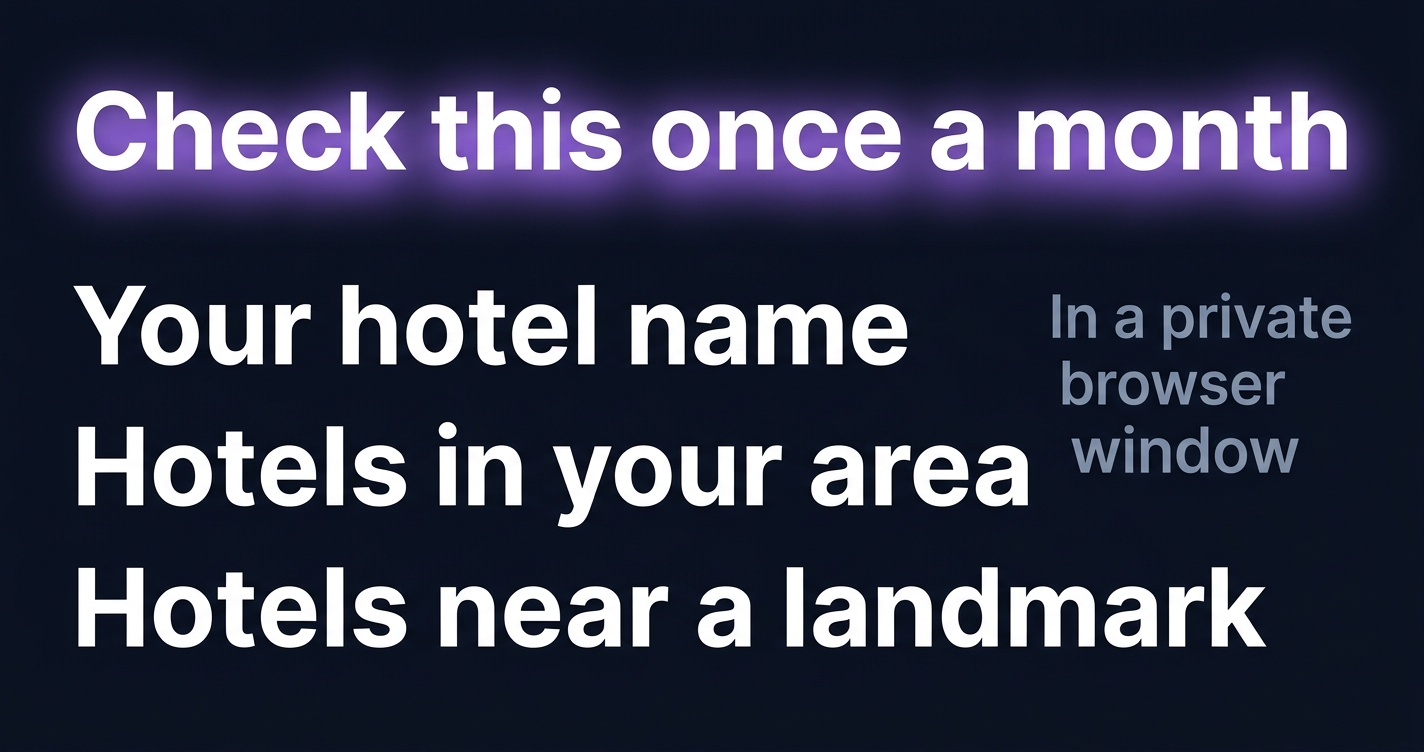
Once a month, in a private or incognito browser window so your own login and search history do not skew the result, run your priority searches: your name, "hotels in [your area]", and the two or three "near [X]" searches that matter to you. Incognito does not give you a perfectly neutral view, because Google still uses your location, but it strips out your account and history, which is most of what distorts it. Note whether you appear, in what position, and whether the OTAs are outranking your own listing for your own name. That last one is worth fixing first when it happens, because losing your own brand search to an OTA is the most expensive miss on the list.
What to ignore
A few things absorb time and budget without moving local visibility, and are worth naming so you can skip them:
- Stuffing keywords into your business name on the profile. "The Grand Hotel | Best Luxury Hotel City Centre Spa" breaks Google's naming policy and risks the listing.
- Paid review services. Covered in Step 4. The downside is losing the profile; there is no upside worth that.
- Citation-blasting tools that fire your details at hundreds of low-quality directories. A handful of accurate listings where guests actually look beats hundreds nobody reads.
- Google Posts. Useful for other local businesses, but Google disables Posts for hotel-classified properties, so the common advice to post weekly does not apply to you. Step 6 is the hotel version of getting current information onto your profile.
- Generic "local SEO" agencies with no hotel experience. A hotel's local SEO is bound up with OTAs, rate parity and seasonality. An agency that has never worked with a property will miss most of what matters here.
Where AI fits in 2026
A traveller increasingly asks ChatGPT, Gemini or Perplexity for a hotel before they reach a map, so it is worth knowing where this list helps. Most of the same signals that help local SEO also help an assistant understand your hotel: a complete profile, accurate structured data, business facts that agree across the web. The difference is that AI recommendations are far less stable than local rankings. They shift by model, by day and by how the question is phrased, so they need checking separately rather than tracking like a position. Our five-minute hotel AI visibility check is the quick way to see what the assistants currently say about you, and our Hotel SEO in the age of AI guide covers how the two surfaces relate.
Stiplo Mystery Shop
This playbook is the manual version of part of what Stiplo audits. The digital signals that feed your local visibility, your structured data, the business facts on your own site, the mobile booking experience, are exactly the things Stiplo Mystery Shop walks through as a guest would, reporting each fail with screenshot evidence.
Working the eleven steps yourself is worth doing whatever else you decide. If you would rather see where your hotel stands first, run a free digital mystery shop for one property and have the digital side checked for you.
Frequently Asked Questions
How long does local SEO take to work for a hotel?
It depends almost entirely on how competitive your area is. In a city like London, Paris or New York, where dozens of hotels are fighting for the same searches, local SEO is a long game measured in months. In a smaller market with a handful of competitors, completing your profile and building review volume can become visible much faster, sometimes inside a few weeks. Completing the profile and fixing inconsistent details tends to move first either way. Anyone promising you a fixed date for page one is guessing.
Do I need to pay for Google Business Profile?
No. The profile is free to claim and manage. The only things that cost money in this list are optional: a developer for the schema in Step 3, and any local sponsorships in Step 9 that you would consider on their own merits anyway.
What is the difference between local SEO and hotel SEO?
Local SEO is specifically about appearing for nearby searches, in the local pack and on the map, and runs largely on your Google Business Profile. Hotel SEO is the broader picture of ranking your website in search overall. This post is the local slice; our Hotel SEO in the age of AI guide covers the wider one.
Do reviews on Booking.com count for Google ranking?
Mostly indirectly. Google's local prominence leans on the reviews on your own Google Business Profile, and a hotel profile can also surface review scores from other sites. Strong OTA reviews are good for bookings either way, but the reviews you control for local SEO are the ones on your Google listing, which is why Step 4 focuses there.
Should I have a separate page for each neighbourhood?
Only for areas you can write about honestly and distinctly, as Step 7 explains. A genuine page about staying near a real landmark can help. A set of near-identical pages with the place name swapped in is a doorway page, which Google treats as a policy violation. Quality and honesty are the test, not quantity.
How do I audit whether my hotel is locally visible?
Run Step 11 by hand: in a private browser window, run your priority searches and note where you appear. For the digital signals behind that visibility, structured data, on-site business facts, the mobile experience, you can run a free digital mystery shop for one property and have them checked for you.
<!-- stiplo:seo-cluster-uplinks -->Related from Stiplo
- run a free hotel GEO audit: check whether ChatGPT, Gemini, and Claude can find and describe your hotel.
- the hotel visibility glossary: plain-language definitions of the local SEO terms in this guide.
Want to see how your hotel website performs?
A Snapshot checks 30 pages for commercial integrity issues in minutes.
Get a free Snapshot